AIRFRAME: B737-700NG
REGISTRATION: N749SL
NAME: Standard Livery
PAINTER: Drissal
INSTALLATION: THIS PAINT IS NOT YET AVAILABLE BUT IS COMING SOON. IT IS BEING REVISED BY THE ARTIST FOR ERRORS.
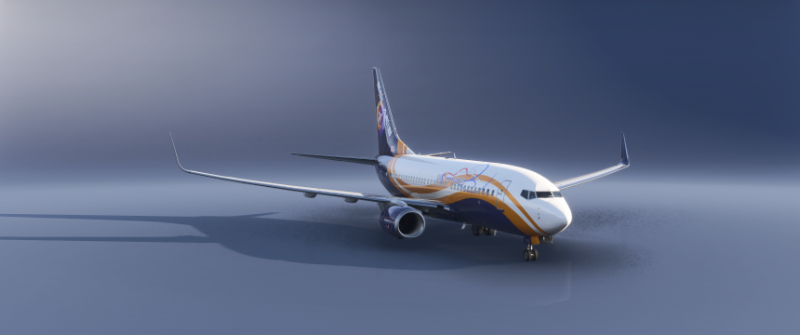
Standard Livery
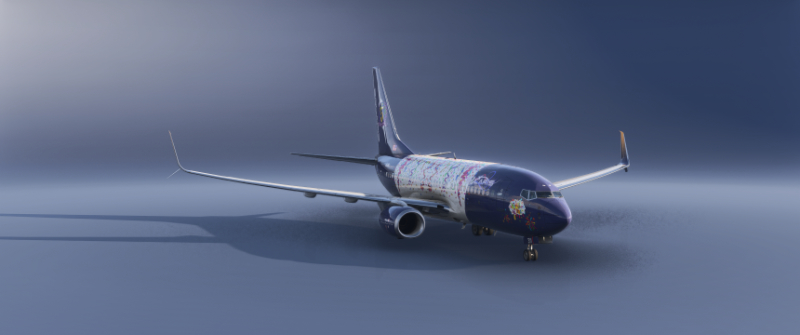
Party Time - 5th Anniversary
AIRFRAME: B737-700NG
REGISTRATION: N311SL
NAME: Party Time
PAINTER: Captain K-Man
INSTALLATION: The OC3 importer tool is being dumb on the 700 lveries so you will have to do this manually. Drill down into the pmdg-aircraft-737-liveries->SimObjects->Airplanes->PMDG 737-700->liveries->pmdg folder and create a folder that will hold the livery contest. In this case make a folder called SOA-N311SL-5thAniiversary. Drag and drop all the files from the zip into this folder. Go back to the pmdg-aircraft-737-liveries folder root and rebuild the layout.json file using the MSFSLayoutGenerator.exe file which you can get off Flightsim.to. That’s it. New livery installed.
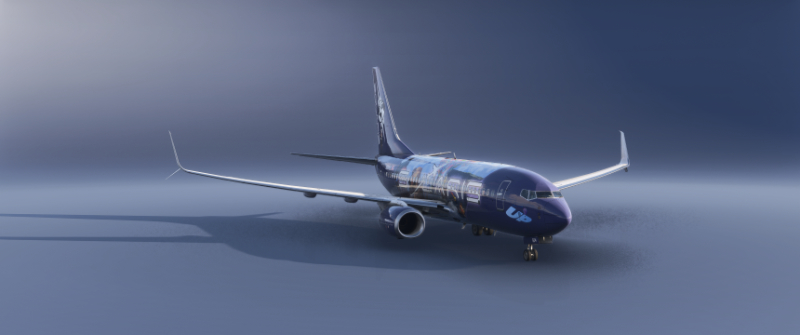
UP!
AIRFRAME: B737-700NG
REGISTRATION: N504SL
NAME: UP!
PAINTER: BVSTEEL
INSTALLATION: The OC3 importer tool is being dumb on the 700 lveries so you will have to do this manually. Drill down into the pmdg-aircraft-737-liveries->SimObjects->Airplanes->PMDG 737-700->liveries->pmdg folder and create a folder that will hold the livery contest. In this case make a folder called SOA-N504SL-UP. Drag and drop all the files from the zip into this folder. Go back to the pmdg-aircraft-737-liveries folder root and rebuild the layout.json file using the MSFSLayoutGenerator.exe file which you can get off Flightsim.to. That’s it. New livery installed.